

H5P
E-learning materials in H5P
H5P Process and Examples
Plan with Miro, AI process and Project Management.
I’ve created 30+ full blended courses in H5P but with the advent of AI I changed my approach. Now, I plan with Miro, create content with AI and project manage a team of content creators.
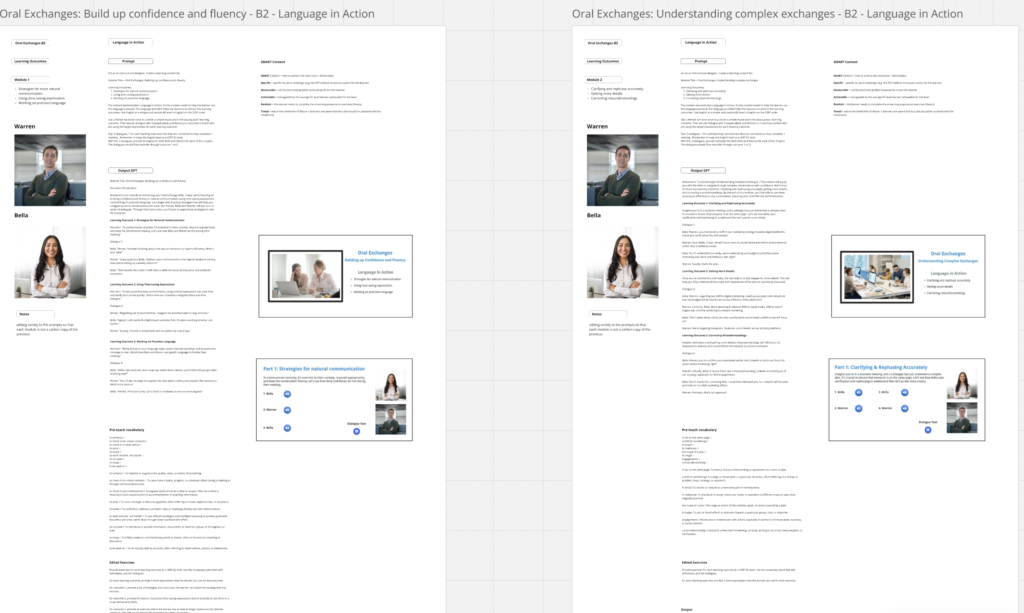
1. Storyboarding in Miro
Custom prompt with given Learning Objectives, review and correct GPT output, align with SMART objectives, prepare vocabulary and audios. Custom prompt for H5P exercises.
2. Multimedia
High quality AI audio and video preparation. For this project I preferred to use audio based conversations with sporadic use of Synthesia for video content.
AI audio example (Bella)

3. Module Template
This template was designed as a 30-minute learning preparation for a blended learning course. The concept is “Language in Action” to demonstrate how language is used in context and to illicit action from the learner.
4. Project Management & Checking & Review
After distributing the workload to the content team, check all audios, exercises, spelling, interactive elements. Review the content to make sure it aligns with the learning outcomes.
H5P Examples
Highlights & Examples.
I’ve created 30+ full blended courses in H5P. Below are just a few example from the e-learning part of a blended learning course.
TOEIC Exam Course
This example is part of an extensive course for the 2-hour TOEIC English exam. It is useful for the learner to practice the “timing” of the exam and this module helps learners to understand time management.
Social Exchanges: Skill
Another example from the Language in Action series. The material is design to bolster existing e-learning but focused on demonstrating language and asking the learner to use that essential language.
H5P & AI
H5P’s native AI.
Creating content in H5P can be quite efficient. A lot depends on the accuracy of the prompting.
AI Quiz Example
H5P.org provides a detailed prompt which can be adjusted to created a Quiz in just a few seconds. Below is an example quiz about Learning Design.
Smart Import
This new AI function allows you to upload a video, PDF or document and the AI analyses it and produces a variety of exercises. Here I selected “Interactive Book” to show many options.
The import I chose was a song named “Cowpoke” by Colter Wall.